
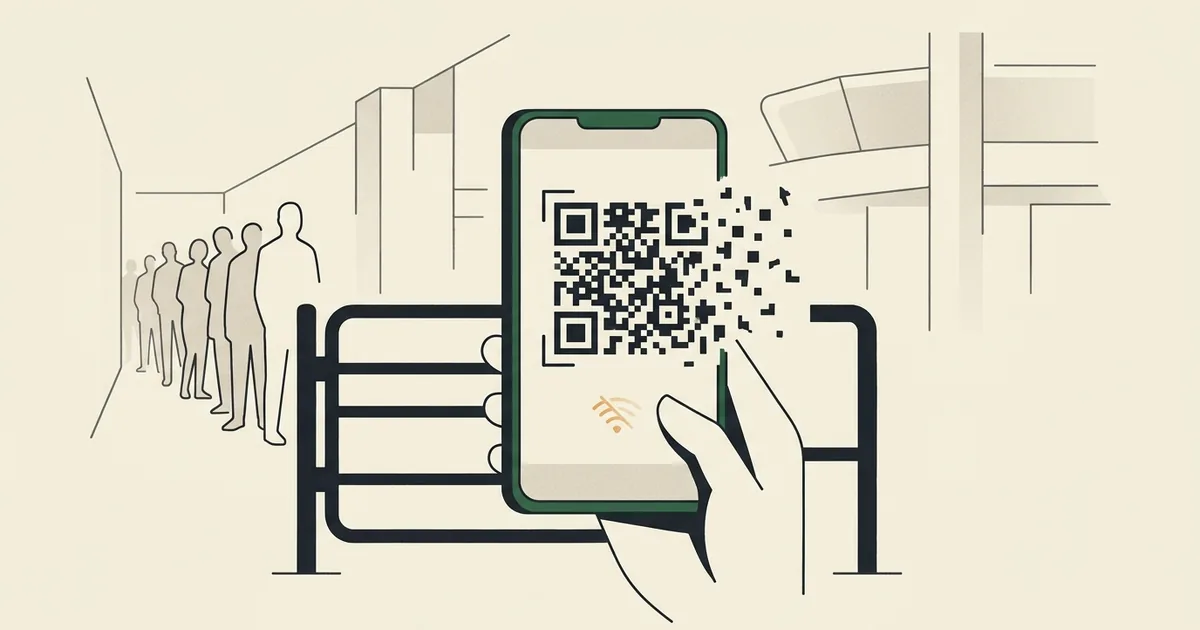
Illustration: FootyGazette (AI-generated concept).
10 min read · 2,061 words
The short version. The most common fifa world cup app problems stadium staff will face in 2026 stem from one design decision: your ticket is a dynamic QR code that lives only inside FIFA’s official app, refreshes every few seconds, and needs a live network connection. There is no paper fallback and screenshots are explicitly rejected. Tens of thousands of fans refreshing that code at once, on stadium cell networks that already buckle under crowd load, is a recipe for queues, and FIFA’s own in-stadium help desk quietly concedes the point.
If you want to understand the likely fifa world cup app problems stadium gates will create next summer, start with the mechanism rather than the marketing. For the 2026 tournament across the United States, Canada and Mexico, your entry pass is not a printout and not a PDF. It is a rotating QR code held inside the FWC2026 Mobile Tickets app, and FIFA has built the entire admission system around the assumption that every one of the millions of attendees will arrive with a charged phone, a working app and a stable data signal at the exact moment they reach the turnstile. That is a lot of single points of failure stacked on top of one another, and the fans testing the app months early are already finding the cracks.
How the digital ticket actually works
The headline fact, set out in FIFA’s own guidance on accessing your mobile ticket is that the QR code is dynamic. It refreshes every few seconds, the same anti-fraud, anti-touting mechanism carried over from Qatar 2022, which means a static image is worthless. A screenshot of the code will not be accepted at the gate, because by the time you reach the scanner the code in your screenshot has already expired.
Two further constraints make this fragile. First, the ticket does not appear in the app until a few hours before gates open on matchday; you cannot prepare it the night before and trust that it is sitting there ready. Second, because the code rotates, the app needs to periodically reach FIFA’s servers to refresh it. No signal, no refresh. FIFA’s advice, fully charge your phone before you travel, and turn on app notifications so you are told when the ticket goes live, is sensible, but notice what it implies: the burden of keeping this brittle chain intact has been pushed entirely onto the fan.
What is already going wrong
You do not have to wait for kick-off to see the strain. The app’s listing on Google Play already carries a stream of frustrated user reviews, and the supporter community is documenting specific failures. On the r/FIFACollect thread on missing World Cup tickets buyers describe opening the app to be told, flatly, that they have “no tickets”, despite a confirmed purchase. Others report that what they can find is “no QR code, just a ticket number,” which is not something you can scan. Some say the only place they could locate their ticket at all was inside the resale marketplace, not the main wallet where you would expect it.
These are not edge cases triggered by a flat battery or a dead zone. They are happening now, in calm conditions, weeks out, to people with charged phones and good Wi-Fi. The system is failing before the crowd has even arrived.
Why the gate is the real failure point: the fifa world cup app problems stadium networks will expose
Here is where the design and the environment collide. A modern World Cup stadium holds 60,000 to 80,000-plus people, and a large share of them converge on the gates within the same 60-to-90-minute window. Cellular networks inside and around big venues are notoriously overwhelmed by exactly that kind of synchronised demand, anyone who has tried to send a text from a packed stadium concourse knows the bars are there but nothing moves.
Now layer the ticket mechanism on top. Thousands of phones all need to reach FIFA’s servers, in the same place, at the same time, to refresh a code that expires in seconds. The very moment of peak network congestion is the exact moment every fan needs a live connection most. During Qatar 2022, fans already reported reaching the turnstile and opening the app only to watch the QR code fail to load, and Qatar funnelled most spectators through a single, heavily provisioned metro-and-stadium corridor. 2026 spreads the same fragile system across 16 host cities and three countries with wildly varying connectivity, from purpose-built arenas to converted NFL stadiums.
The original analysis: FIFA’s app is 2026’s single point of failure
Strip away the convenience messaging and the architecture is stark. FIFA has taken the one thing a fan absolutely must have to enter, proof of a valid ticket, and made it a live, network-dependent, self-expiring object that exists in precisely one place: an app on a phone that must be charged, updated, logged in and online at the gate. Every traditional fallback has been deliberately removed. No paper. No PDF. No screenshot. There is no degraded mode; the system either works in full or it does not work at all.
That is the definition of a single point of failure, and it has been engineered into the most predictable congestion event in sport. The most telling evidence is FIFA’s own contingency plan. In its guidance for fans who cannot access their mobile tickets FIFA directs them to an in-stadium “Ticketing Resolution Center,” carrying photo ID and a confirmation email. Think about what that desk is for. You do not build, staff and signpost a physical help centre at every venue for a system you expect to work. The Resolution Center is an admission, written into the official process, that the app is expected to fail at scale, and that the human fallback FIFA abolished at the turnstile has simply been moved a hundred metres back and rebranded as a queue you will be standing in while the match kicks off.
What fans can do to protect themselves
You cannot fix FIFA’s architecture, but you can reduce your personal exposure. Practical steps, in rough order of importance:
- Open the app and confirm your ticket has appeared before you leave for the stadium, ideally while you still have reliable Wi-Fi or signal, so you find any “no tickets” problem with hours to spare, not minutes.
- Charge your phone to full and carry a power bank; the app and a struggling network will both drain the battery faster than usual.
- Enable the app’s notifications so you are alerted the moment your matchday ticket goes live.
- Do not rely on a screenshot, it will not scan, but do save your purchase confirmation email and a photo ID somewhere accessible, because that is what the Ticketing Resolution Center will ask for.
- Arrive early. If the gate fails for you, the time you bank now is the time you will spend in the resolution queue later.
None of this is a substitute for a system that simply worked, and it is worth saying plainly that fans should not have to carry a contingency plan to attend a football match they have already paid for. For the wider context on how 2026 is being run, see our complete guide to the 2026 World Cup our breakdown of the dynamic-pricing controversy and the related headache of the last-mile problem of getting to and from the stadium.
Frequently asked questions
What are the main FIFA World Cup app problems at the stadium gate?
The core fifa world cup app problems stadium fans face come from one design choice: entry is a dynamic QR code that lives only in FIFA’s app, refreshes every few seconds and needs a live network connection. With no paper or screenshot fallback, congested stadium networks can stop the code refreshing exactly when you reach the turnstile.
Can I use a screenshot of my World Cup 2026 ticket?
No. FIFA explicitly states a screenshot will not be accepted. Because the QR code is dynamic and refreshes every few seconds, any static image expires almost immediately and will not scan at the gate. You must open the live ticket inside the official FWC2026 Mobile Tickets app each time you pass through.
What should I do if the app will not show my ticket at the stadium?
FIFA directs you to the in-stadium Ticketing Resolution Center with photo ID and your purchase confirmation email. Before that, check the ticket has loaded while you still have signal, keep your phone charged, and enable notifications. Arrive early, because if the app fails you will be resolving it in a queue.
Quick fixes if the World Cup app isn’t working
If the FIFA app won’t load your ticket at the gate, work through these before you panic:
- Load the ticket in the app before you reach the gate. The QR refreshes and needs a live connection, so don’t wait until you’re in the concourse crush.
- Turn off low-power mode and close background apps so the dynamic QR can refresh.
- Don’t rely on a screenshot. The code rotates, so a saved image won’t scan. You need the live app.
- Toggle airplane mode for 10 seconds to force your phone onto the nearest tower if signal is patchy.
- Use stadium Wi-Fi if available, and install any required app updates the night before, not in the queue.
- Arrive early. Networks are most overloaded at peak; arriving early leaves time to resolve a failure.
Why is the FIFA World Cup app not working at the gate? The 2026 ticket is a dynamic QR code that refreshes and needs a live data connection. In a packed concourse, cellular networks overload, so the app can stall exactly when you need it. It’s usually a connectivity problem, not an app bug.
Can I use a screenshot of my ticket? No. Because the QR rotates, a screenshot won’t scan at the gate; you must present it live in the app.


FIFA+ App Problems Fans Are Reporting Right Now (June 2026)
With the World Cup now under way, a new set of reports has surfaced that are distinct from the original launch-day glitches. Here is what fans have been experiencing in June 2026 — and the fixes that are actually working.
Phone Number Not Accepted at Registration
The most common complaint this month: the FIFA+ app rejects phone numbers during account setup or verification. UK numbers (+44), some US mobile formats, and numbers with certain international prefixes trigger a generic “phone number is invalid” error even when the number is correctly formatted.
Fix: Complete your account registration on the FIFA+ website (not the app) at fifa.com/en/fifaplus. Once the account is created on the web, the app will accept the login. If the web form also rejects your number, try removing the leading zero from your local number after entering the country code.
New Phone Device Lockout — Tickets Tied to Old Device
FIFAplus links your ticket access to a specific device identifier. If you have bought a new phone, reset your existing device, or reinstalled the app since purchasing tickets, the app may refuse to display your tickets — even with a successful login.
This is different from a “not loading at stadium” error. Your tickets exist and are valid; the app just does not recognise your current device as authorised.
Fix: Log in to your FIFAplus account on the web at fifa.com. Go to Account Settings > Devices and remove any old device entries. Then sign in fresh on your new device. Tickets can take up to 24 hours to re-sync — do not do this the night before your match.
Tickets Not Visible in the App (Not a Device Issue)
A separate and more frustrating bug: some fans have confirmed accounts, no device changes, and purchased tickets that show up correctly on the FIFA+ web portal — but the tickets simply do not appear inside the app.
Fix: Force-quit and reopen the app first. If tickets still do not appear after 30 minutes, clear the app cache on Android (Settings > Apps > FIFA+ > Storage > Clear Cache). On iPhone, uninstall and reinstall FIFA+ — your tickets are tied to your account on FIFA servers, not to your phone storage, so reinstalling is safe. Log back in and the tickets should populate within a few minutes.
Last updated: 26 June 2026.
